
SCORM Authoring Tool vs SCORM Converter: Which One Do You Need?
A SCORM authoring tool and a SCORM converter can both help you create LMS-ready training content, but they solve different problems. The right choice depends on whether your team is building a new course from scratch or transforming existing materials into a trackable SCORM package.
If you already have PowerPoint decks, PDF manuals, Word documents, videos, or classroom materials, a SCORM converter workflow is usually the fastest place to start. If you need a fully designed course with custom interactions, branching, scenarios, and assessments, a SCORM authoring tool or a custom SCORM package may be a better fit.
What is a SCORM authoring tool?
A SCORM authoring tool is used to create digital learning content. It helps instructional designers build pages, interactions, quizzes, simulations, navigation rules, and visual layouts before publishing the final course as a SCORM package.
Authoring tools are useful when the learning experience needs to be designed, not just converted. They are often the right choice for new onboarding programs, compliance training, product academies, and scenario-based learning.
What is a SCORM converter?
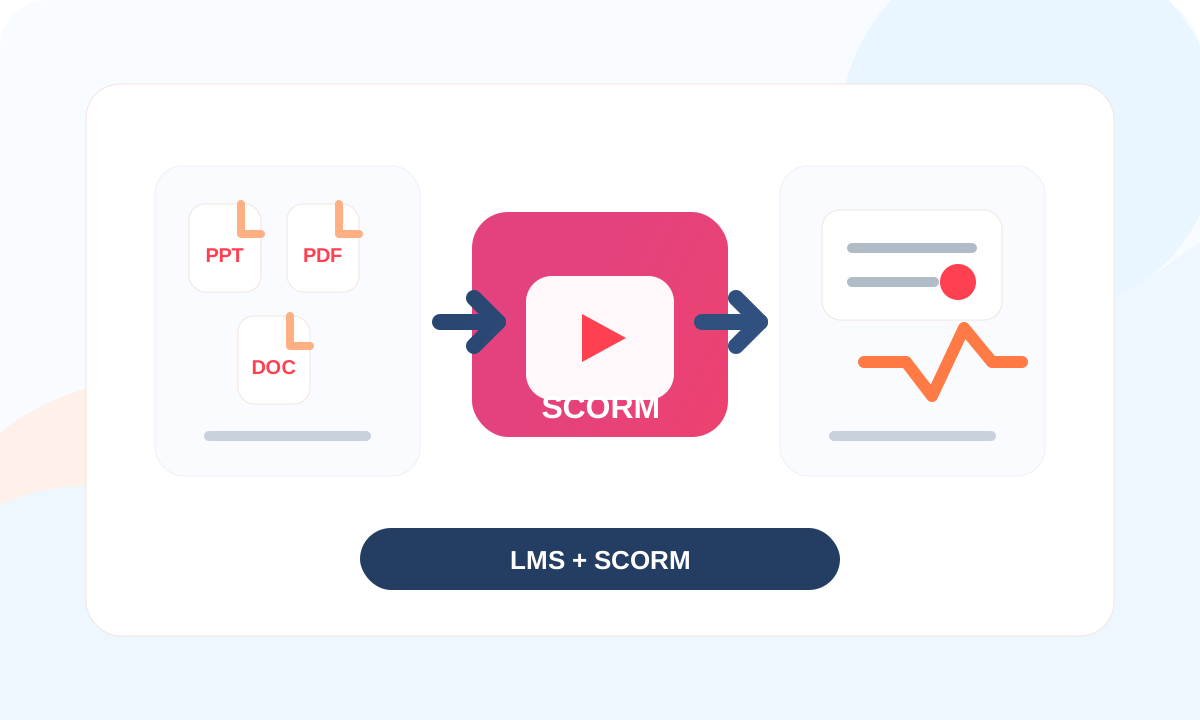
A SCORM converter turns existing source material into an LMS-ready package. The source content may be a PowerPoint file, PDF document, Word file, video, or a mix of training assets that already exist inside the organization.
Conversion is useful when the content is already approved and your main goal is to make it trackable, assignable, and reportable inside an LMS. For example, many teams start by converting PowerPoint, PDF, or Word materials into SCORM before adding more advanced interactions later.
When should you use a SCORM converter?
Use a SCORM converter when speed, reuse, and LMS tracking are the main priorities. This is common when a company already has training decks, policy documents, SOPs, manuals, or product materials that need to be delivered through an LMS.
A converter can help you create a SCORM package without rebuilding every page manually. It is especially practical for teams that need to convert PowerPoint to SCORM, convert PDF to SCORM, or convert Word to SCORM.
When should you use an authoring tool?
Use an authoring tool when the course needs a deeper learning design layer. This includes custom interactions, branching decisions, simulations, gamification, complex assessments, or brand-specific user experiences.
An authoring workflow takes more planning, but it can create a stronger learning experience when the topic is important, sensitive, or behavior-based. If the project includes advanced logic, you may also need custom SCORM development.
How do you choose?
Start with the source material. If the content already exists and only needs to become LMS-ready, choose conversion. If the content needs to be designed as a new digital learning experience, choose authoring.
Then check reporting requirements. If you only need launch, completion, and basic progress tracking, conversion may be enough. If you need scores, branching results, detailed assessments, or scenario outcomes, authoring and testing become more important.
Do you still need to test the SCORM file?
Yes. Whether you use an authoring tool or a converter, you should test the final package before launch. Check that it opens correctly, reports completion, records scores, and behaves consistently in your LMS. Our guide on how to test a SCORM file explains what to validate before rollout.
Final recommendation
For most corporate teams, the best workflow is not always one tool or the other. Start with SCORM conversion when you need to move existing content into the LMS quickly. Use authoring or custom development when the training needs better interaction, stronger instructional design, or a more branded learner experience.
If you are not sure which path fits your project, contact SCORMs and we can help review your content, LMS requirements, and rollout goals.